Billing Setup
Billing Setup
The Billing Setup tab enables customized billing configurations, ensuring clients are charged correctly and alerts are in place for budget management.
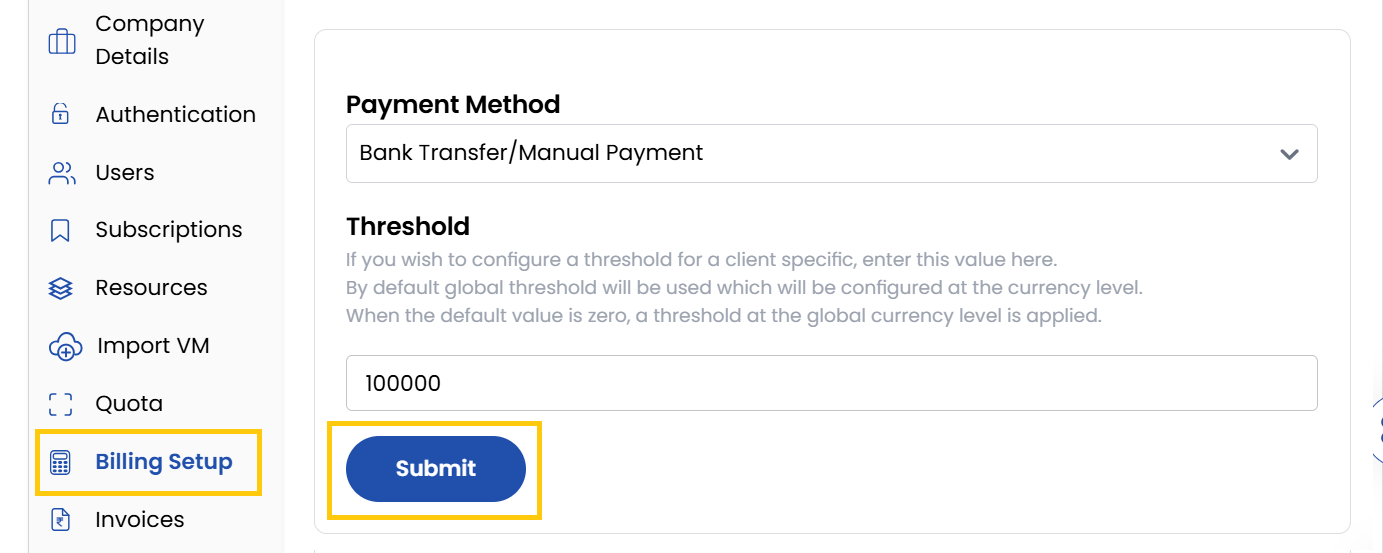
- Choose your preferred payment method from the available options.
- Set spending limits to trigger alerts when a client's expenditure reaches a specified amount. Helps manage budget controls effectively. Click on Submit.
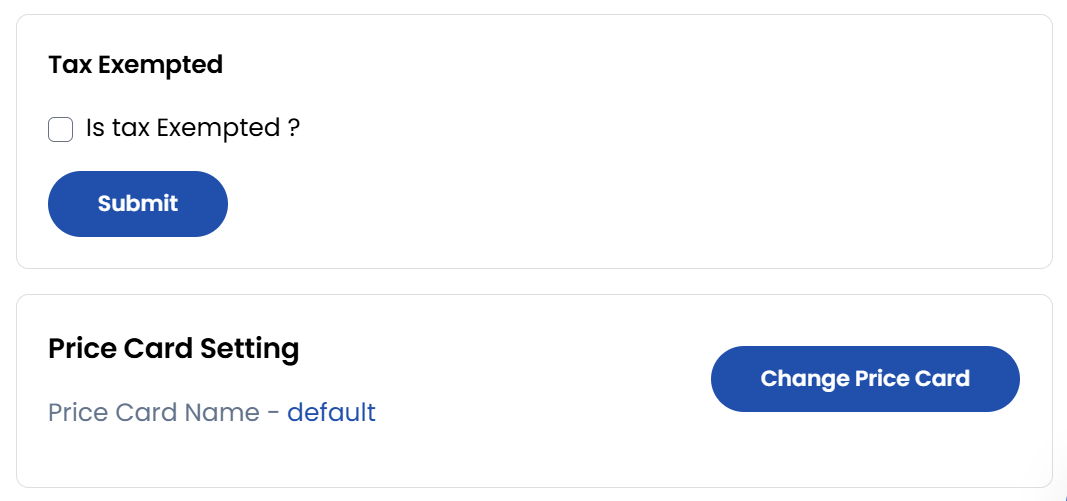
- Enable the Tax Exempted checkbox to exclude the client from tax charges.
- To modify pricing plans for the client, click on Change Price Card. Select the appropriate Rate Card and click Update to apply the changes.
Conclusion
The Billing Setup provides essential controls for managing client billing preferences and budget alerts, ensuring accurate financial administration.